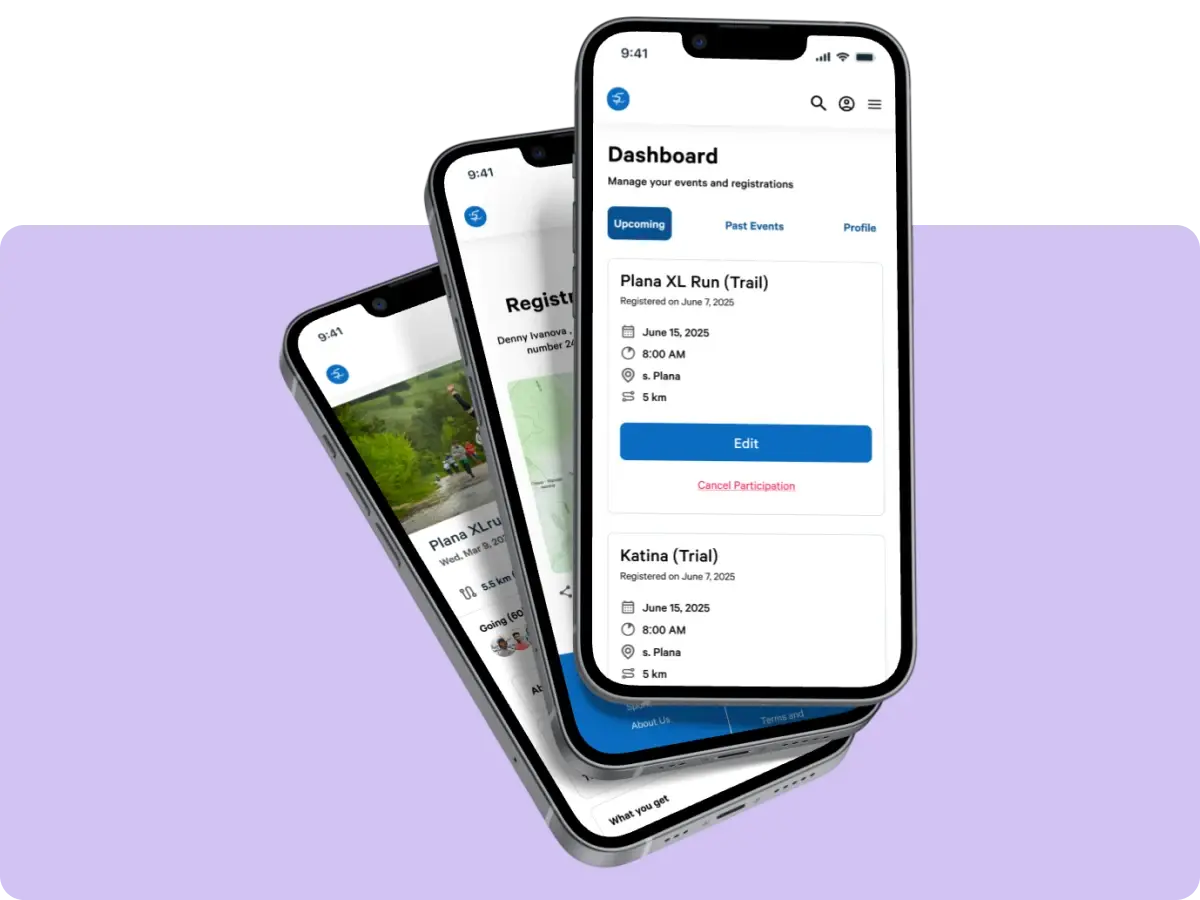
I designed a mobile app that lets users preview nail styles on their actual hands before booking a salon visit.
Since this was a solo passion project, I followed a process that started with a personal frustration, moved through user research, and led to a product designed to help people feel more confident choosing their next look.
Problem
People struggle to find nail designs that suit their hand shape and skin tone.
Even when they save inspiration photos, they can't preview how those designs will actually look, leading to wasted time, money and results.
Solution
1.
A mobile app that uses AI and AR to let users preview nail designs on their actual hands in real time, removing the guesswork from style choices.
2.
Users can try trending styles, upload saved nail inspiration, or create custom looks before heading to the salon.
My Contribution
I led this project from start to finish, wearing multiple hats along the way:
•
User Research
•
UX/UI Design
•
Ideation & Strategy
•
Usability Testing
•
Prototyping
•
Product Management
I also collaborated with a Software Engineer to explore AI and AR feasibility.
Built an AR try-on flow so users instantly preview nail designs on their hands, making choices easier and fun.
Often feel indecisive when picking a nail design
Have regretted a nail design after getting it done
Said they can’t tell what suits their skin tone
Said they panic or feel pressured at the salon
Would it help to preview nail designs on your hand before your appointment?
Have you ever regretted a nail design after getting it done?
How often do you feel indecisive when picking a nail design?
What makes it hard for you to choose a nail design?
What would you want from a tool like that?
This insight validated the core direction of my project: Users need more personalised tools that help them see what works for their tone, shape, and style, not just what looks good online.

Competitors such as YouCam and WannaNails offer live Try-On by providing presets. There are also social sharing features that help users engage with friends, and the mobile-first experience makes experimenting quick and convenient.

Most AR tools lack personalisation as they don't adjust to hand shape or skin tone, and overlays often look unrealistic. Users also can't upload their own inspirations or create custom styles, limiting creativity.

There's a clear gap for a tool that feels more personal and adaptive. An app that scans the user's hand, detects skin tone, and suggests AI-generated designs from saved images. A skin-tone-aware design library could boost confidence and ease decision-making.
It helped me spot some clear gaps and opportunities to create something more personal, inclusive, and confidence-boosting.
I distilled my research into detailed user personas to keep the problem statement grounded in real user needs and behaviors.
Fenny loves self-care and stylish nails but feels overwhelmed by choices and wants a confident, easy way to visualize designs.
Feel confident that a nail design matches her skin tone and nail shape before committing.
Reduce decision fatigue during salon visits.
Upload and organize inspiration in one place.
Be able to try custom combinations of styles before choosing.
Receive honest, personalized suggestions, like a supportive friend would give.
Fenny’s needs and frustrations helped me stay focused on reducing friction in the try-on experience and making the value of the nail visualizer clearer from the start. These insights shaped my problem statement and guided which features to prioritize.
Once I had a clearer view of what users needed and where they were getting stuck, I was able to define the main goal of the project through a focused problem statement.
After defining the core problem, I used my research findings to guide the Feature Prioritization Matrix. This helped me identify which features users needed most and focus on delivering the highest-value functionality without overwhelming the experience.
Must have
•
Skin tone detection for accurate previews
•
Live try-on of favourite nails
•
AI chat for design customization
•
Upload saved design inspirations
Should have
•
Social sharing or save to gallery
•
Onboarding flow to set preferences
Won't have
•
Style moodboard builder
•
Quick access to top trends / popular looks
•
Occasion planner with reminders
•
Weekly AI recommendations based on saved looks
Could have
•
Design of the day feature
•
Tutorials for DIY application or salon communication
•
User profiles with personal style notes
Armed with my iPad, I sketched out rough ideas to quickly explore how the app might work. It helped me test different directions early on and assess what felt most intuitive. This was one of the first iterations.
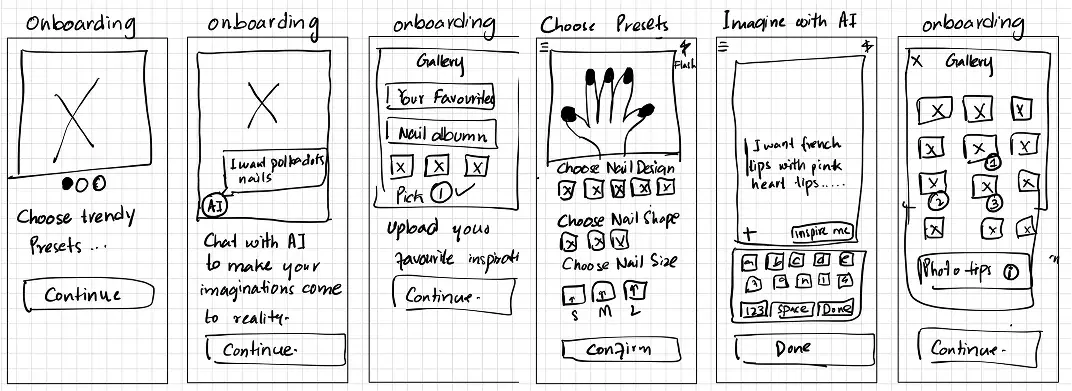
Sketching out early ideas reminded me how valuable quick visuals can be. Even the scrappiest sketches helped me spot what felt exciting and gave me a clearer direction moving into prototyping.
Sketching out mid-fidelity wireframes helped me spot what made sense (and what really didn’t) once everything landed on screen. It gave me just enough structure to figure out layouts, test ideas quickly, and keep things flexible before getting too polished.
Here are a few things I kept asking myself during this stage:
What does the user need to see first, and what can wait?
How many steps are too many before someone gives up?
Can I make this feel less like a tool, and more like play?
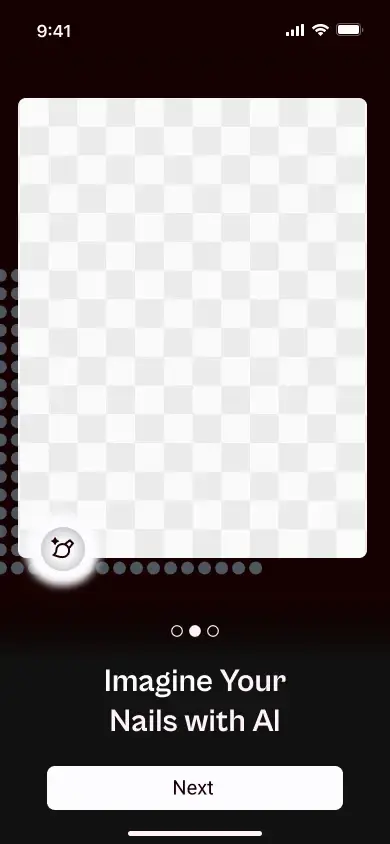
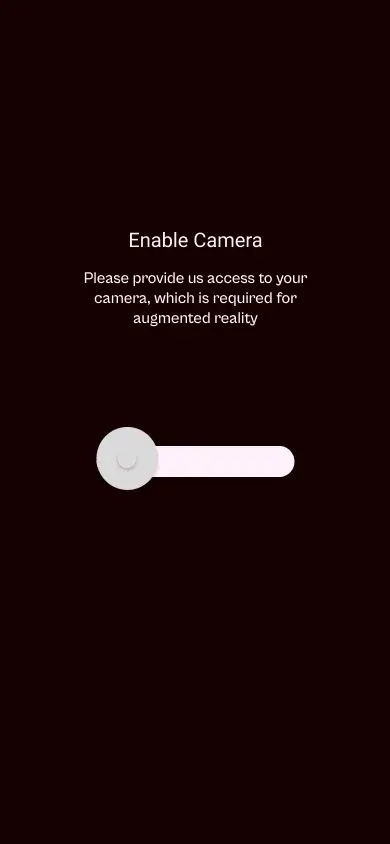
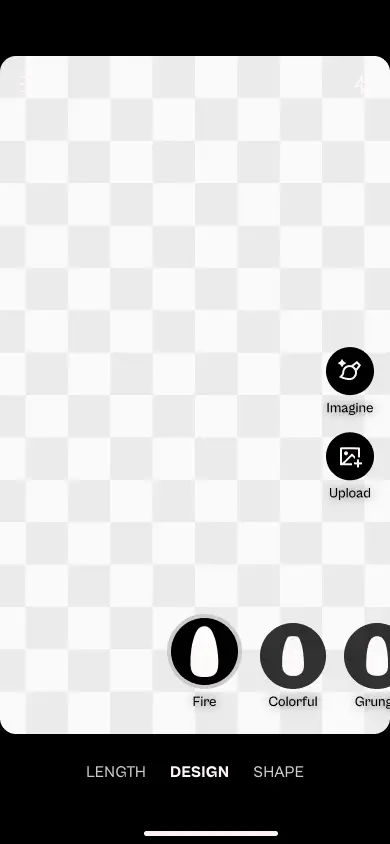
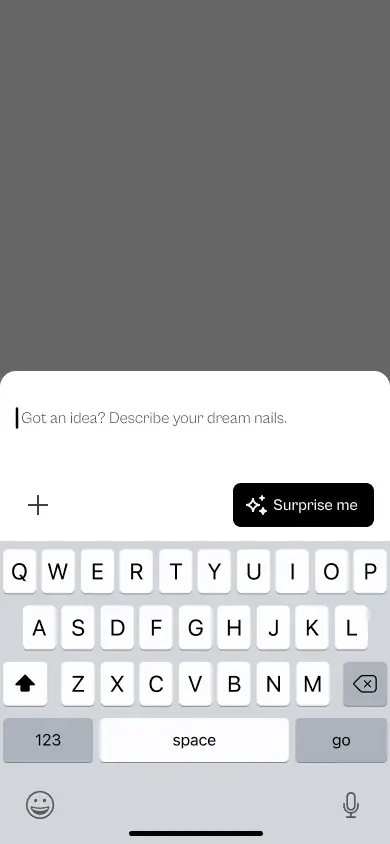
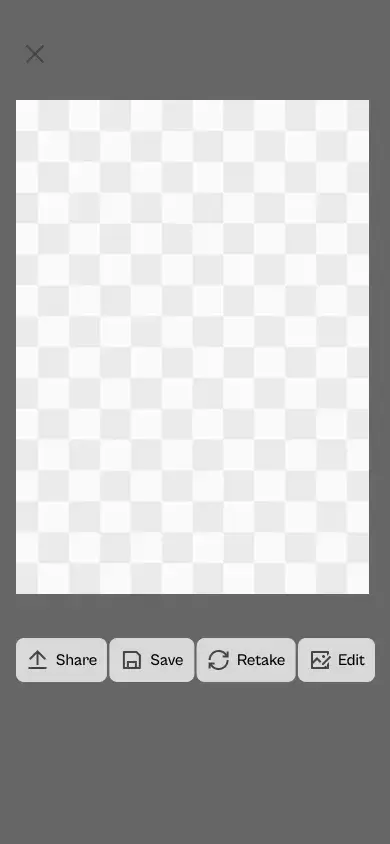
Here are a few of the design solutions as they relate to the discovered core problem.
Challenge no 1:
Key design decisions here:
•
Live try-on with preset designs: Users can swipe through curated, trendy nail sets and see them applied instantly on their own hands using AR.
•
Skin tone + hand shape adaptation: Each look adapts based on the user’s hand scan for a more realistic preview.
A future release for this section would be to extend on it and add more designs so users can choose from a variety of options available.
Challenge no 2:
Describing a dream design is easy, seeing it is better. An AI chat lets users describe ideas and instantly preview the result live on their hand.
Key design decisions here:
•
Chat-based AI ideation: Users can describe a mood, occasion, or vibe (“soft glam for a wedding”) and get tailored suggestions.
•
Instant visual preview: AI-generated looks appear directly on the user’s live hand view, no switching back and forth.
Challenge no 3:
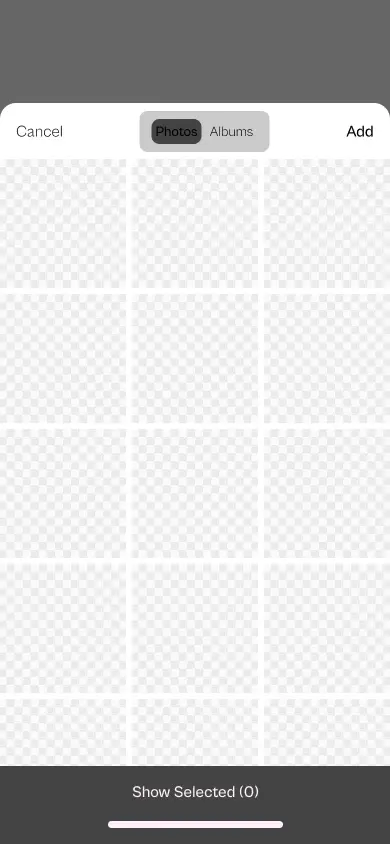
I added an “upload inspiration” feature so users can finally use those saved photos. The app matches the vibe and helps them try it on.
Key design decisions here:
•
Upload inspiration photos: This is the meat of the app, users can upload their fave Pinterest screenshots or Instagram nails they love.
•
Smart style matching: The app pulls tones, patterns, and design ideas from the image and recreates them as live previews on the user's hand.
Challenge no 4:
Key design decisions:
•
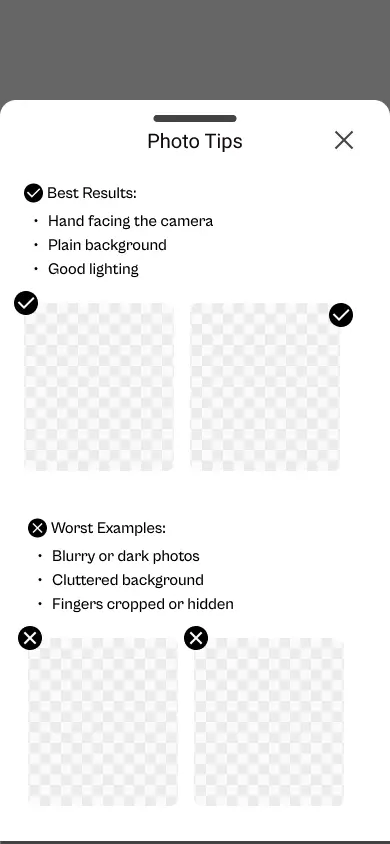
Provided ‘Photo Tips’: Users can see tips before upload showing good vs. bad hand photos.
•
Gave users quick visual do's and don'ts to get the best AI results.
Challenge no 5:
Some testers said they weren’t sure what the app could actually do at first. So I added a quick, swipeable onboarding to highlight the core features : trying on presets, using AI, and uploading inspiration.
Kept it light, visual, and skippable , just enough to spark curiosity without getting in the way
Each of these small challenges pushed me to think beyond just “what the app should do” and focus more on how it should feel to use. Whether it was simplifying the flow, making features more visible, or reducing the guesswork, these decisions helped shape an experience that feels more personal, more useful, and hopefully, a little more fun.
Verifying Design Decision
I conducted two rounds of remote usability testing, first with mid-fidelity wireframes to catch flow and layout issues early, and then with high-fidelity designs to focus on visuals and interactions. While low-fi testing helped shape the structure, I leaned more on high-fidelity testing since users tend to connect better with something closer to the real thing.
The feedback helped in refinement of the design, but I believe the real learning begins once it's in the wild, so I'm looking forward to what comes next.
Task
User 1
User 2
User 3
User 4
User 5
Avg Time on Task
Success Rate
2:10
0:52
3:30
1:00
2:05
3:00
2:25
1:15
0:48
2:50
1:12
0:59
0:55
0:41
0:49
1:30
2:40
1:10
0:52
1:45
Key Takeaways:
What worked:
•
Trying the AI-generated design was super smooth, everyone got through it without any issues. It was clear, fast, and didn’t need explaining.
•
Uploading a hand photo mostly worked too. A couple users took the long way or got a bit stuck, but overall it wasn’t a big blocker.
What didn't work:
•
Applying saved nail inspiration was confusing. One user gave up, and most took longer than expected. The UI just didn’t guide them well.
•
Onboarding didn’t land. One user dropped off completely, and others seemed unsure. It probably felt too long or not helpful enough.
Task
User 1
User 2
User 3
User 4
User 5
Avg Time on Task
Success Rate
1:52
0:40
1:05
0:35
2:10
2:05
1:10
1:55
0:50
2:22
0:45
0:39
1:12
0:50
0:55
1:10
0:58
1:20
1:05
1:35
Key Takeaways:
High-fidelity testing showed users completed most tasks successfully. However, some struggled to:
•
Recognize photo upload guidelines, leading to hesitation when uploading their hand.
•
Understand how saved inspirations applied, with some tapping around before seeing results.
•
Interpret onboarding screens quickly, suggesting they needed clearer copy or visual cues.
These friction points helped me polish the UI and better guide users through each step.
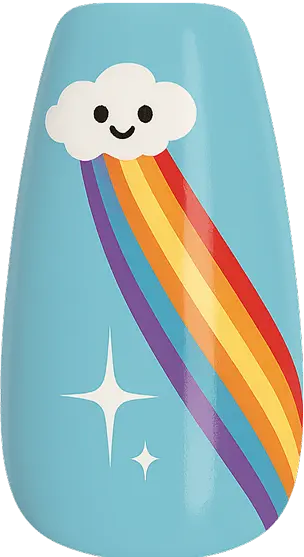
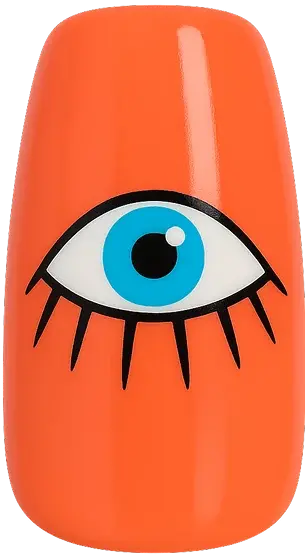
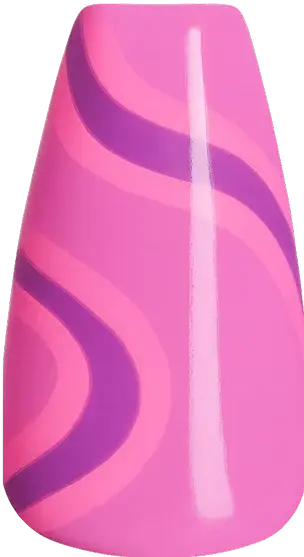
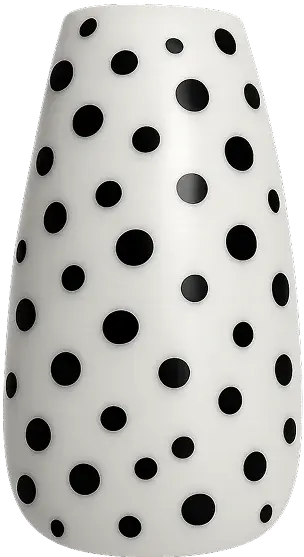
With no access to real AR tools or production teams, I turned to AI to help bring the concept to life. Using Midjourney, I generated realistic nail visuals and animated try-ons to show how the app could work in the real world. I wanted to create something that felt real, even within the limits of a concept project.
Here is how I did it:
•
Visuals: Every nail design was AI-generated and carefully curated to reflect current trends, variation in skin tones, and real-world textures.
•
Typography: I chose Cabinet Grotesk Variable and Roboto for their balance of personality and structure, it gave the app a clean, modern tone without feeling cold.
•
Icons & Layout: I kept icons minimal and intuitive, letting the nail designs take center stage. Layouts are simple, with rounded edges and a dark background to mimic salon lighting and put focus on the hand.
•
Motion: To mimic the feel of live try-on, I created AI-generated video mockups. It helped bring the concept to life, even without native AR.
 Cabinet Grotesk Variable / Bold / 32
 Roboto / Regular / 24
 Roboto / Medium / 16
 Cabinet Grotesk Variable / Light / 16


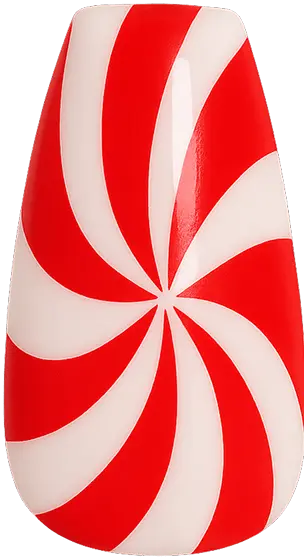
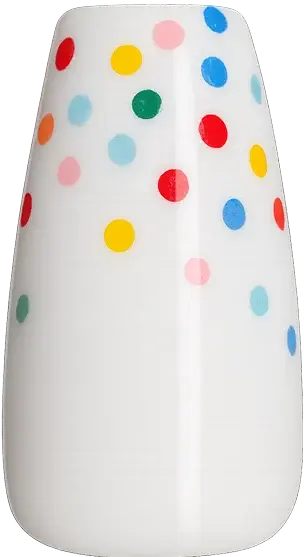
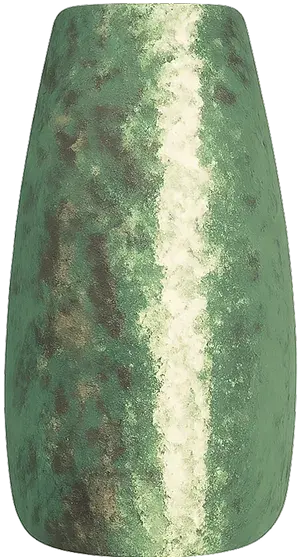
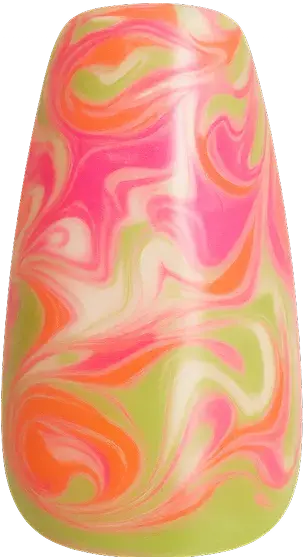
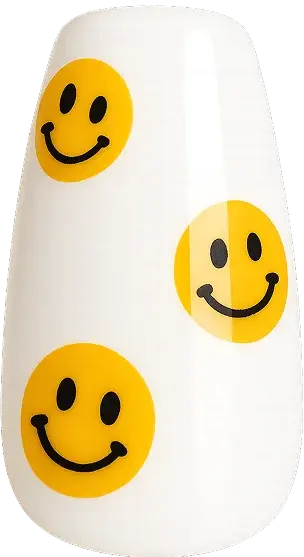

This project started with a personal problem, but bringing it to life meant working within very real limitations. I didn’t have access to AR tech or a dev team, just an idea, my design tools, and a lot of curiosity
That constraint turned out to be a creative push: I began experimenting with AI, especially Midjourney, to simulate live nail previews. It wasn't perfect, but it gave shape to something that felt surprisingly real.
What I’ve learned is that even a concept can be powerful if it’s honest and rooted in real needs. I want to keep building on this, explore how far this tool can go with an actual prototype, partner with a developer, and do another round of user testing with a working version.
There’s a lot more to refine, but the vision feels clear now. I’m excited to keep going.